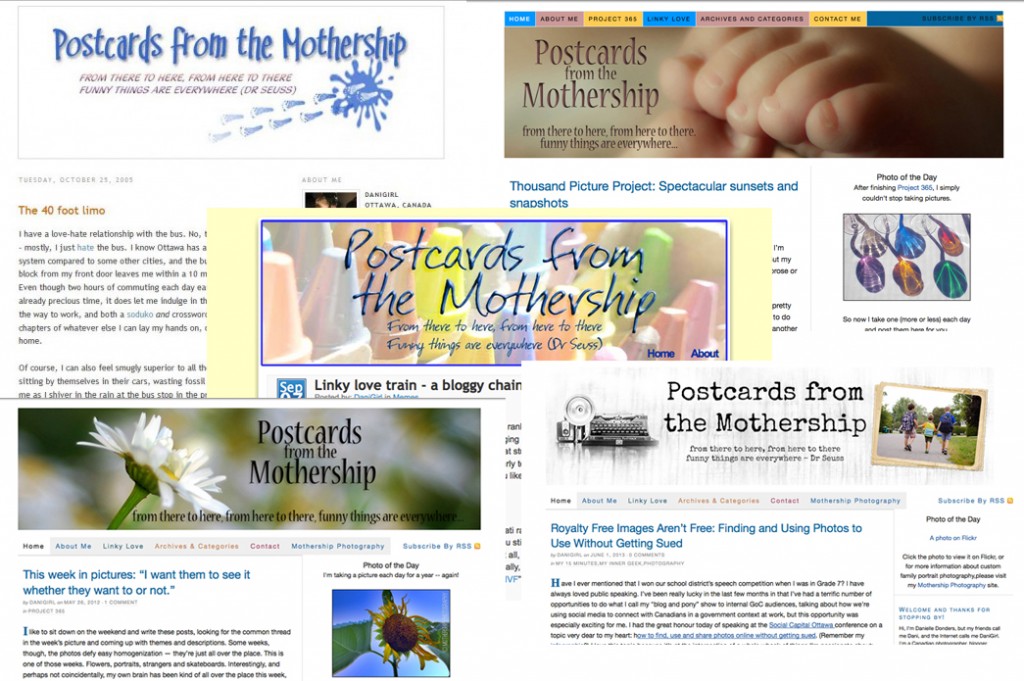
It’s been about six months since I published a blog post, and in the year before that I only posted a handful of times. I’ve been wondering: is it time to shutter the blog? The kids are too old for me to write about them now; their stories are their own to tell. I used to summarize the theme of the blog as “raising a family in Ottawa†but I feel like the lion’s share of that work is done. And while photos have sustained the blog for the last few years, I don’t feel like I have enough to say about taking them anymore, at least not enough to keep the blog interesting and relevant.
So, is there value in me blogging any more? There’s a cost to consider. It’s not overly expensive to host the blog, and I host my photography site off the same domain, so that’s not going anywhere. More problematically, it’s been a while since I updated the look and especially the functionality. Google tells me it’s not particularly mobile friendly. I can’t even remember half the ways I hacked the code over the years and my eyes glaze over every time I think of making any changes to it. And now Flickr has a new model where the thousands upon thousands of images that I had hosted for free going way back to 2005 will now cost about a hundred bucks a year to keep, or else I’ll have a blog riddled with broken links and lost images.
Turning 50 has been a big year for me, and I have new things that I’m interested in now. I’d like to blog about my new knitting addiction (make all the things!) and I’ve been exploring Tarot cards. I’d like to have a place to talk about the food I’ve enjoyed making, the ways I’m expressing my creativity through making things, and how satisfying it is to be a woman on the far side of 50 who has figured out so many of the very same things I whined about when blog and I were both younger and less sure of ourselves.
I don’t even particularly mind that I’m likely to be talking to myself. The heyday of the blog, a dozen years ago when Lucas was the Player to be Named Later and I was up to my ears and sinking in the quagmire of parenting three under six with a tribe of online friends and followers has long since passed. I don’t mind talking to myself – I do it all the time! I’m just not sure if I’m invested enough in the idea of continuing to do the kind of updates and maintenance that I really should do. Oh technology.
I guess I’m not quite ready to say goodbye, or even see you later. Maybe I’ll just putter around here for a while, without any pressure or expectations from myself, and if I decide I’m going to keep on keeping on, one day when I’m full of energy and enthusiasm I’ll look into overhauling the works. If a girl can grow and change and mature, her silly old blog can follow suit, right?